> For the complete documentation index, see [llms.txt](https://docs.dbnl.com/llms.txt). Markdown versions of documentation pages are available by appending `.md` to page URLs; this page is available as [Markdown](https://docs.dbnl.com/v0.21.x/using-distributional/testing/production-testing/auto-test-generation.md).
# Auto-Test Generation
In order to facilitate production testing, Distributional can automatically generate a suite of Tests based on the user’s uploaded data. Distributional studies the Run results data and create the appropriate thresholds for the Tests.
## Generate Production Tests
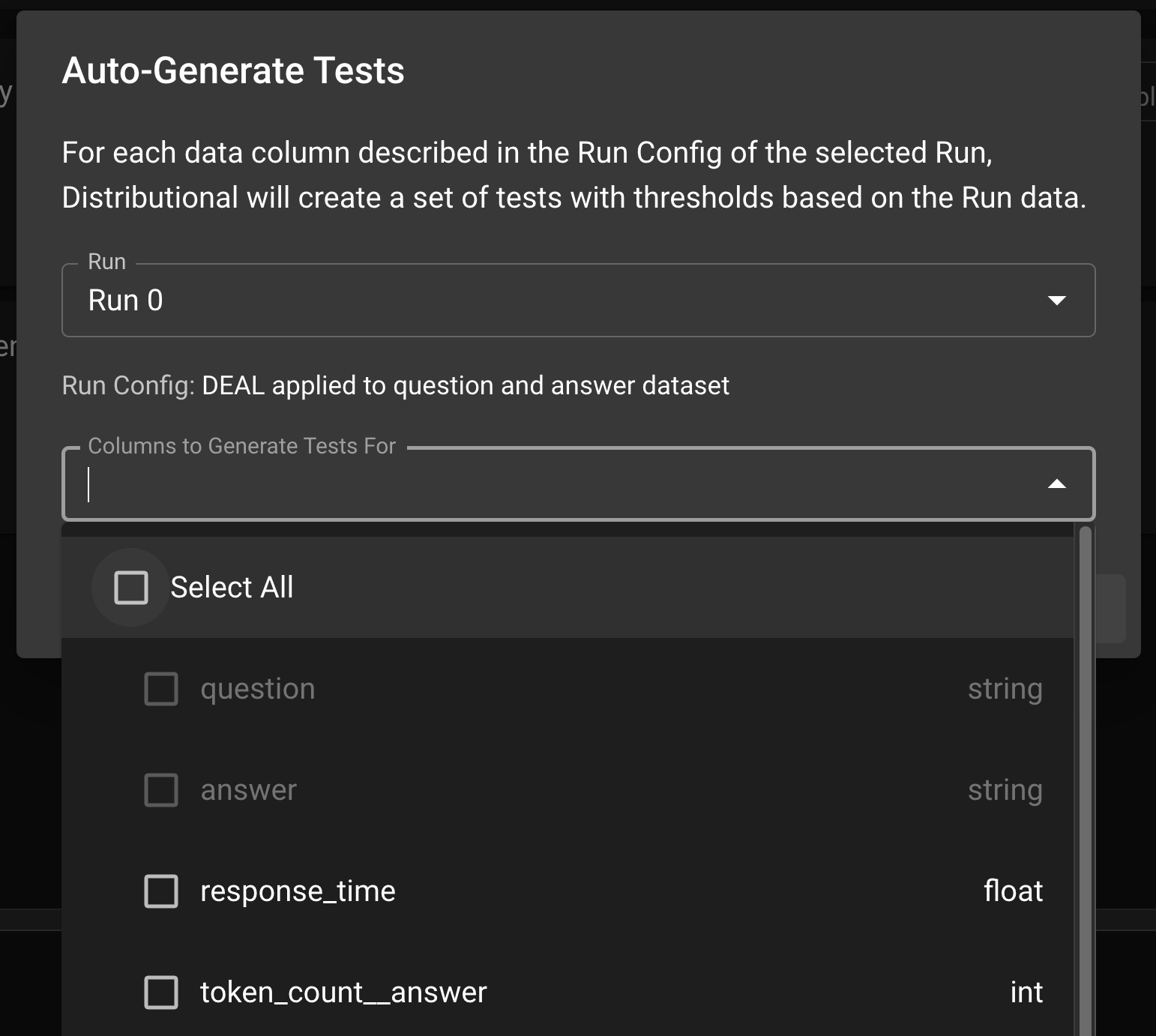
In the Test Config page, click the `AUTO-GENERATE TESTS` button; this will prompt a modal where the user can select the Run which the tests will be based on. Click Select All to generate tests for all columns or optionally sub-select the columns to generate tests. Click `GENERATE TESTS` to generate the production tests.
Auto-Generate Tests Modal
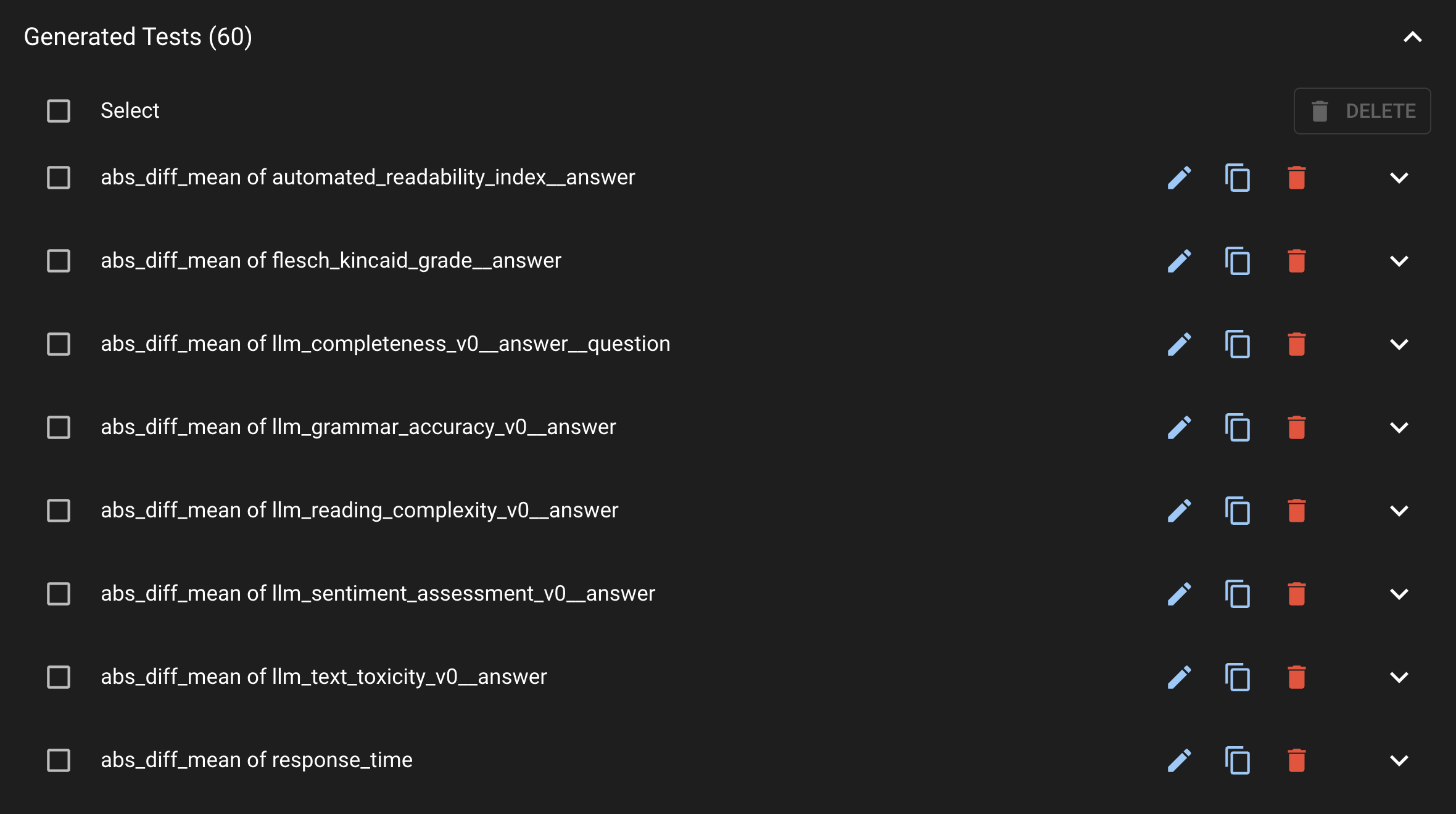
Once the Tests are generated, you can view them under the Generated Tests section.