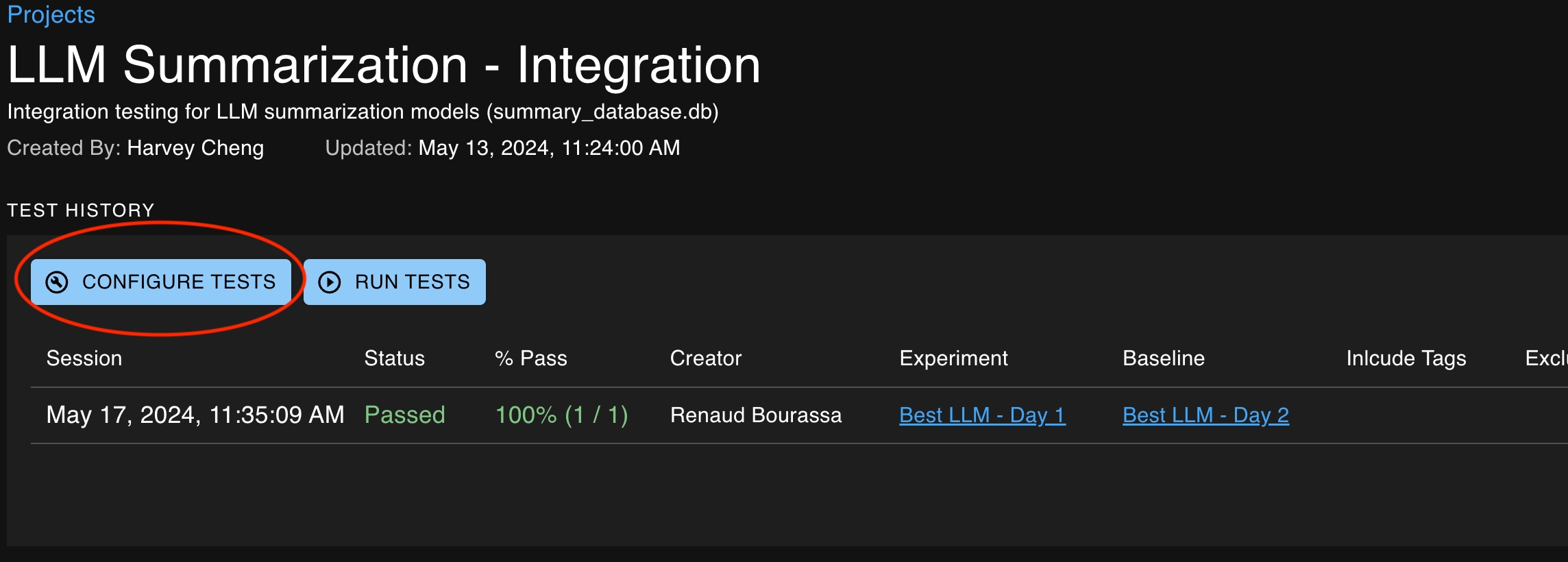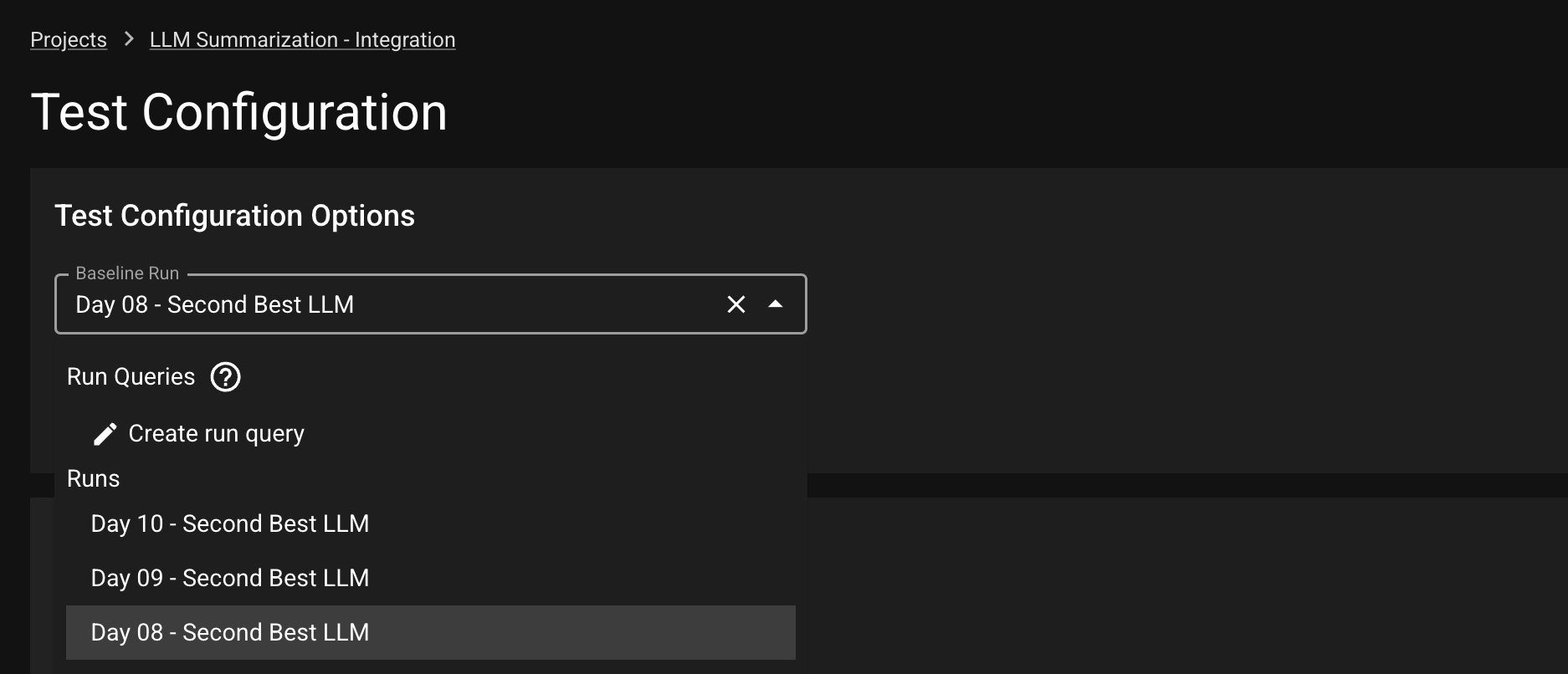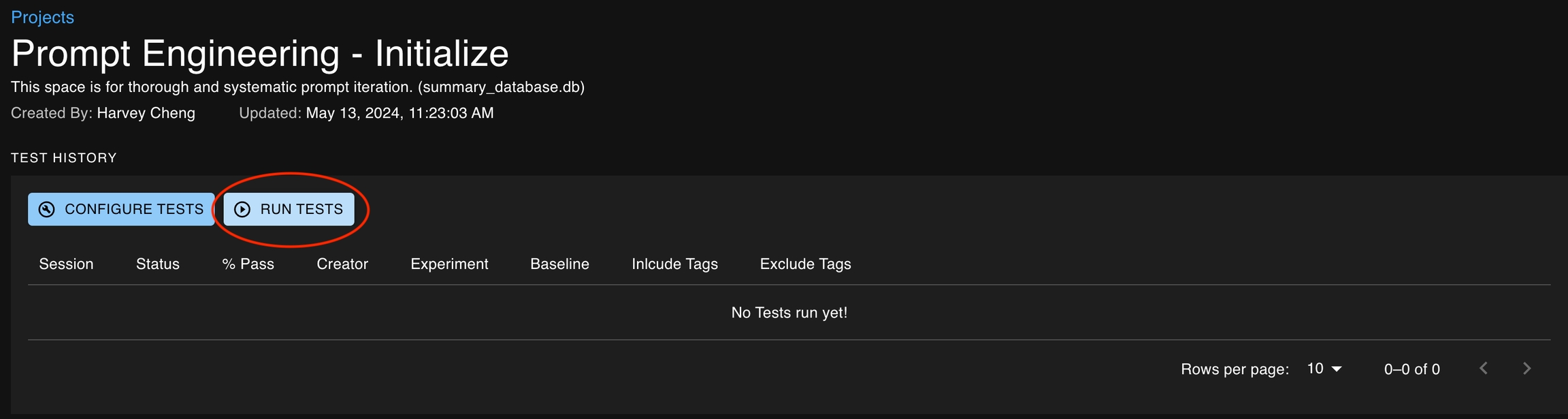
You can choose to run tests associated with a project by clicking on the Run Tests button on the project details page. This button will open up a modal that allows you to specify the baseline and experiment runs as well as the tags of the tests you would like to include or exclude from the test session.
Tests can also be executed via the SDK after results data has been reported. This requires the following steps.
Alternatively, you can also set a Run as baseline using the function.
Executing the command for a new run in that same project will finalize the data, enabling it for use in Tests.
Execute the command, providing your new run as the "experiment". Tests will then use the previously-defined baseline for comparisons.
After tests are created for an associated project, there are two ways that they can be executed.
Manually via the UI on the Project Details page
Via the SDK using the create_test_session method