> For the complete documentation index, see [llms.txt](https://docs.dbnl.com/llms.txt). Markdown versions of documentation pages are available by appending `.md` to page URLs; this page is available as [Markdown](https://docs.dbnl.com/v0.20.x/using-distributional/testing/production-testing/recalibration.md).
# Recalibration
When Distributional automatically generates the production tests, the thresholds are estimated from a single Run’s data. As a consequence, some of these thresholds may not reflect the user’s actual working condition. As the user continues to upload Runs and triggers new Test Sessions, they may want to adjust these thresholds. The recalibration feature offers a simple option to adjust these thresholds.
## How to recalibrate tests
Recalibration solicits feedback from the user and adjusts the test thresholds. If a user wants a particular test or set of tests to pass in the future, the test thresholds will be relaxed to increase the likelihood of the test passing with similar statistics.
### Recalibrate all tests
Click the `RECALIBRATE ALL TESTS` button at the top right of the `Generated Tests` table in the Test Session page.
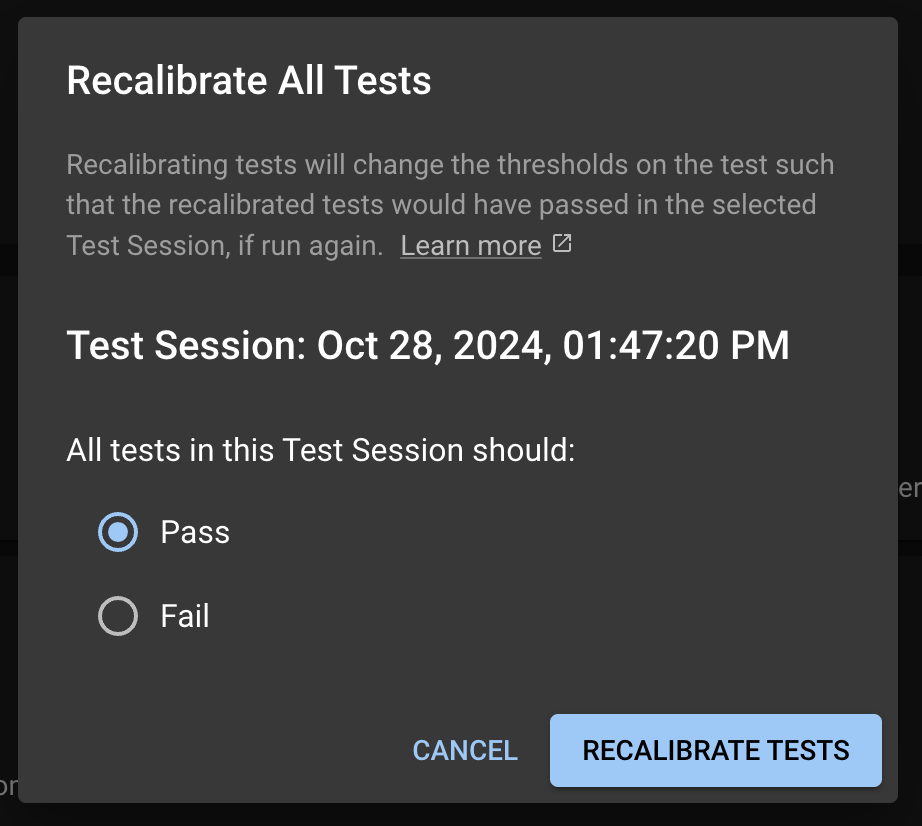
This will take you to the Test Configuration page, where it will prompt you with a modal for the you to select to have all the tests to pass or fail in the future.
Recalibration modal in Test Configuration page
### Recalibrate multiple tests
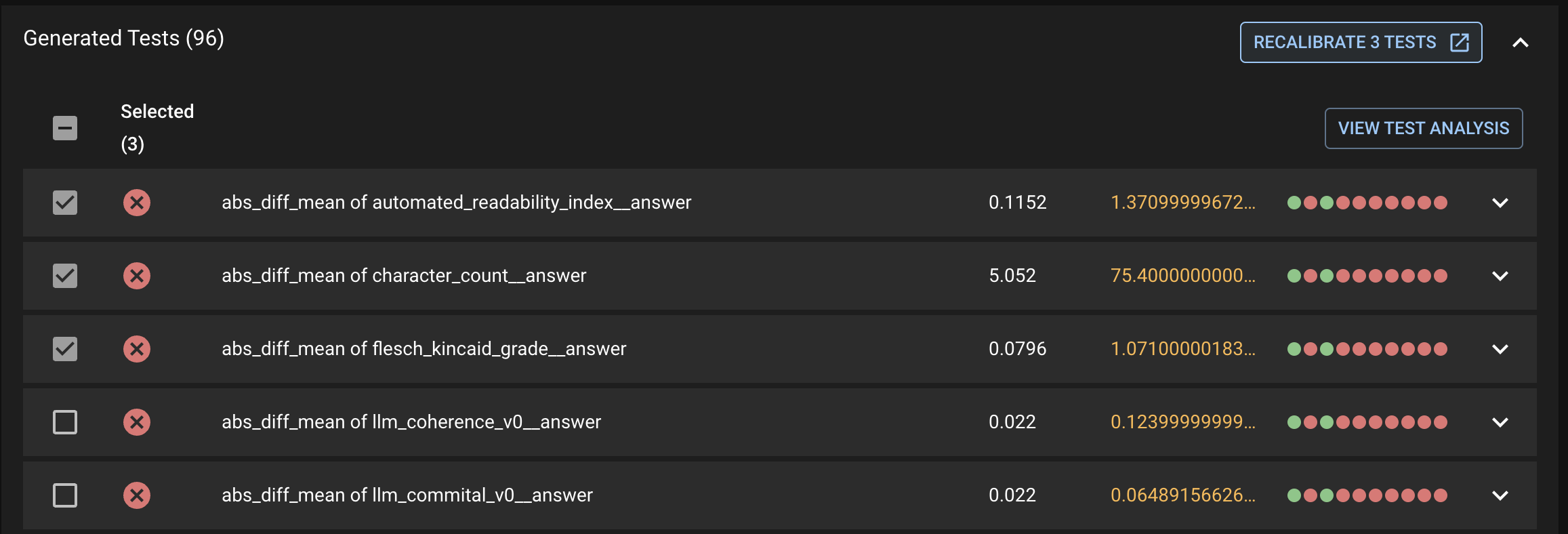
First select the tests you want to recalibrate, then click the `RECALIBRATE <#> TESTS` button under the Generated Tests tab. This will prompt the same modal for the user to select to have these tests pass or fail in the future.